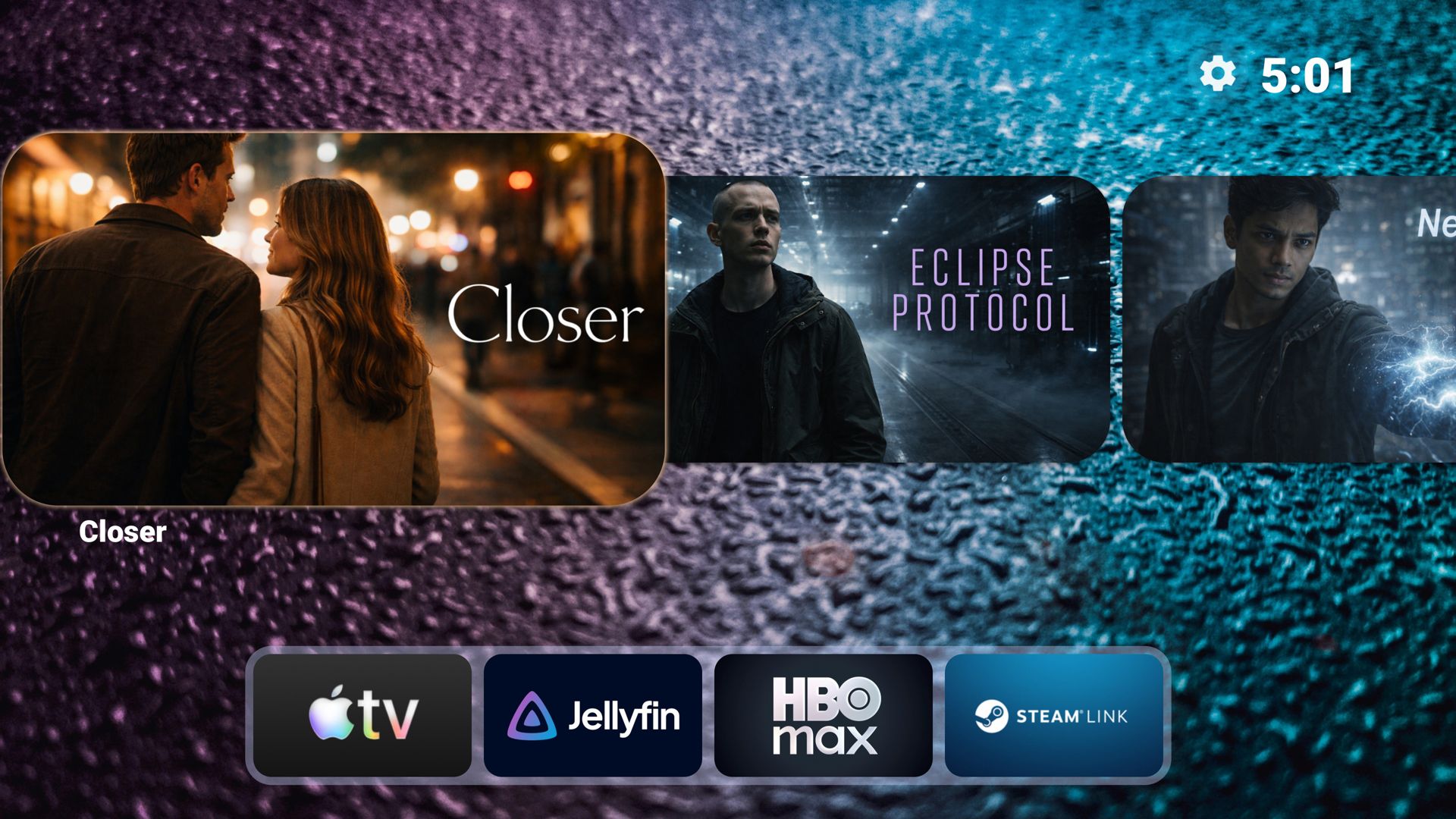
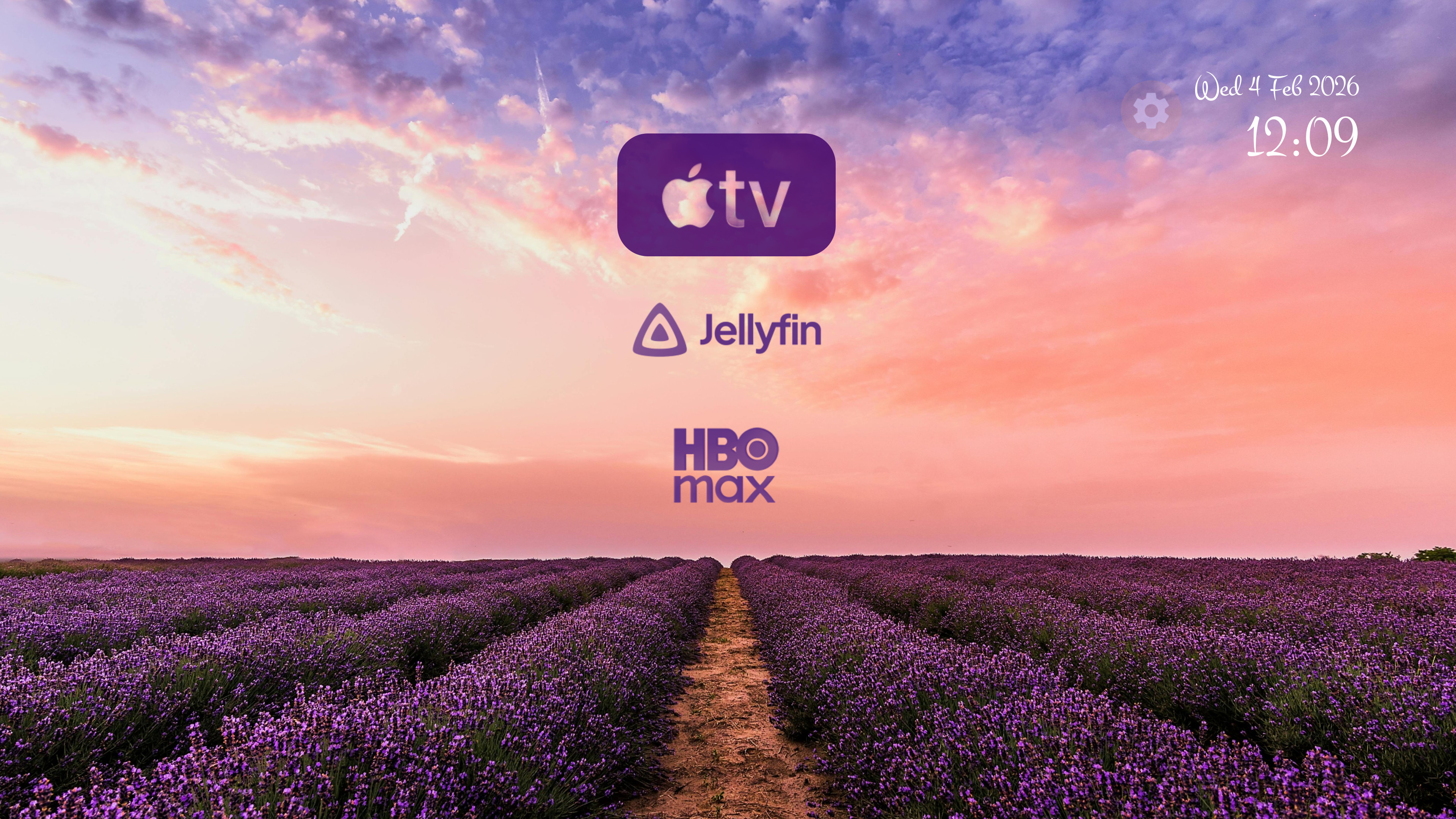
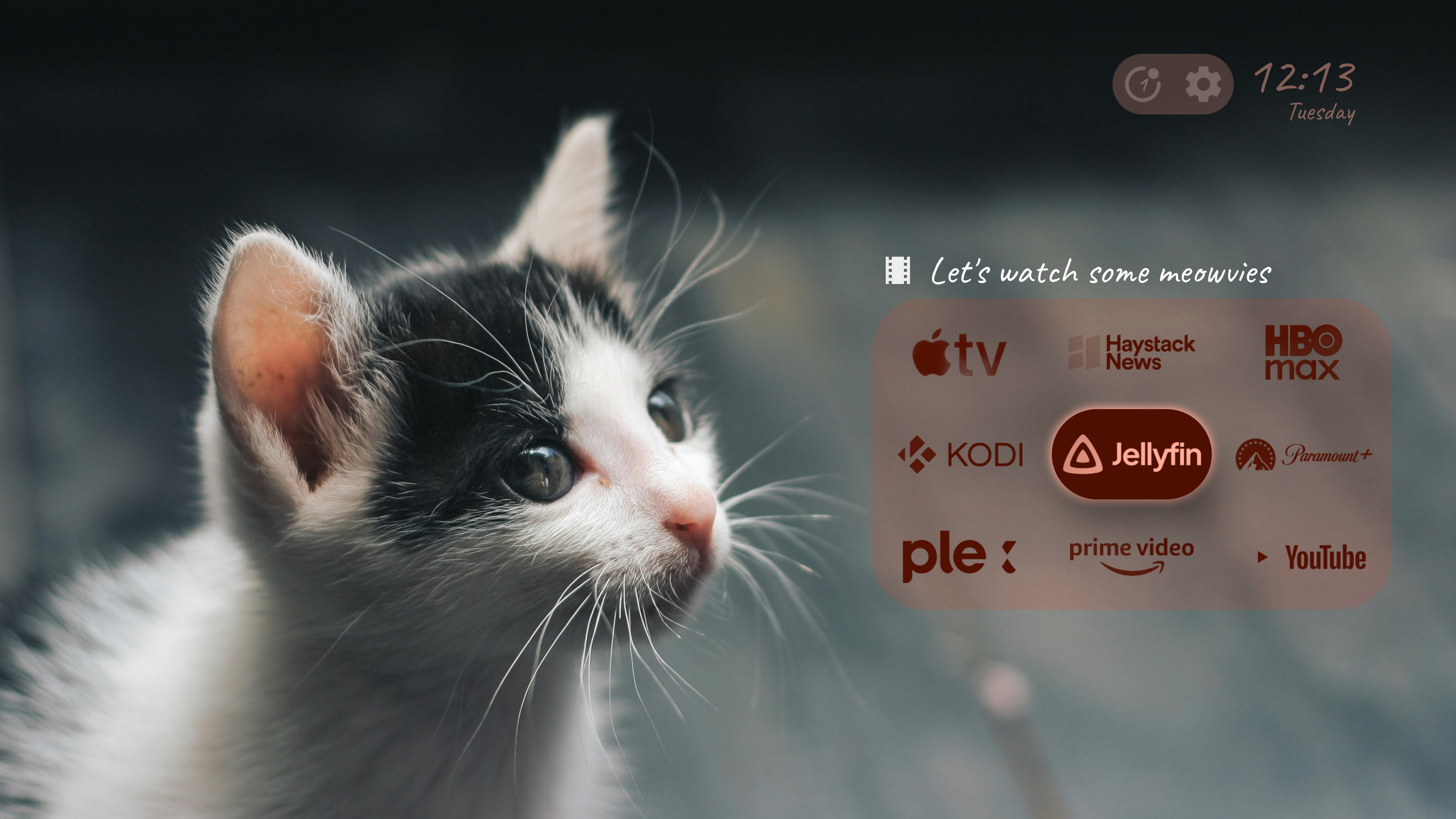
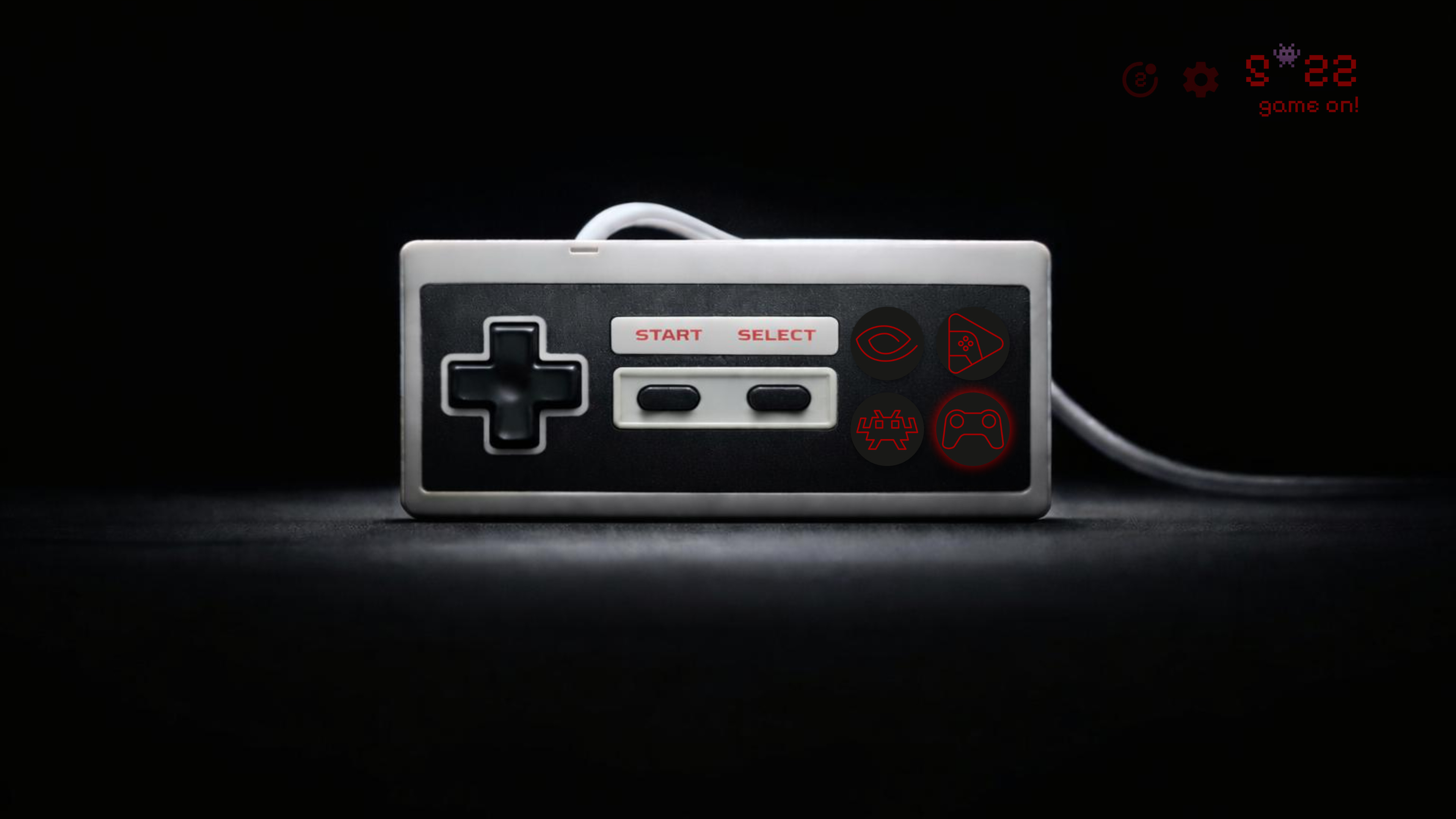
Transform Your Android TV Experience

Say goodbye to cluttered screens and intrusive ads. Meet Projectivy Launcher, the ultimate customizable launcher that turns your home screen into a sleek, ad-free entertainment hub.

2M+
Downloads
4.6β˜…
Rating
2.31K
Reviews
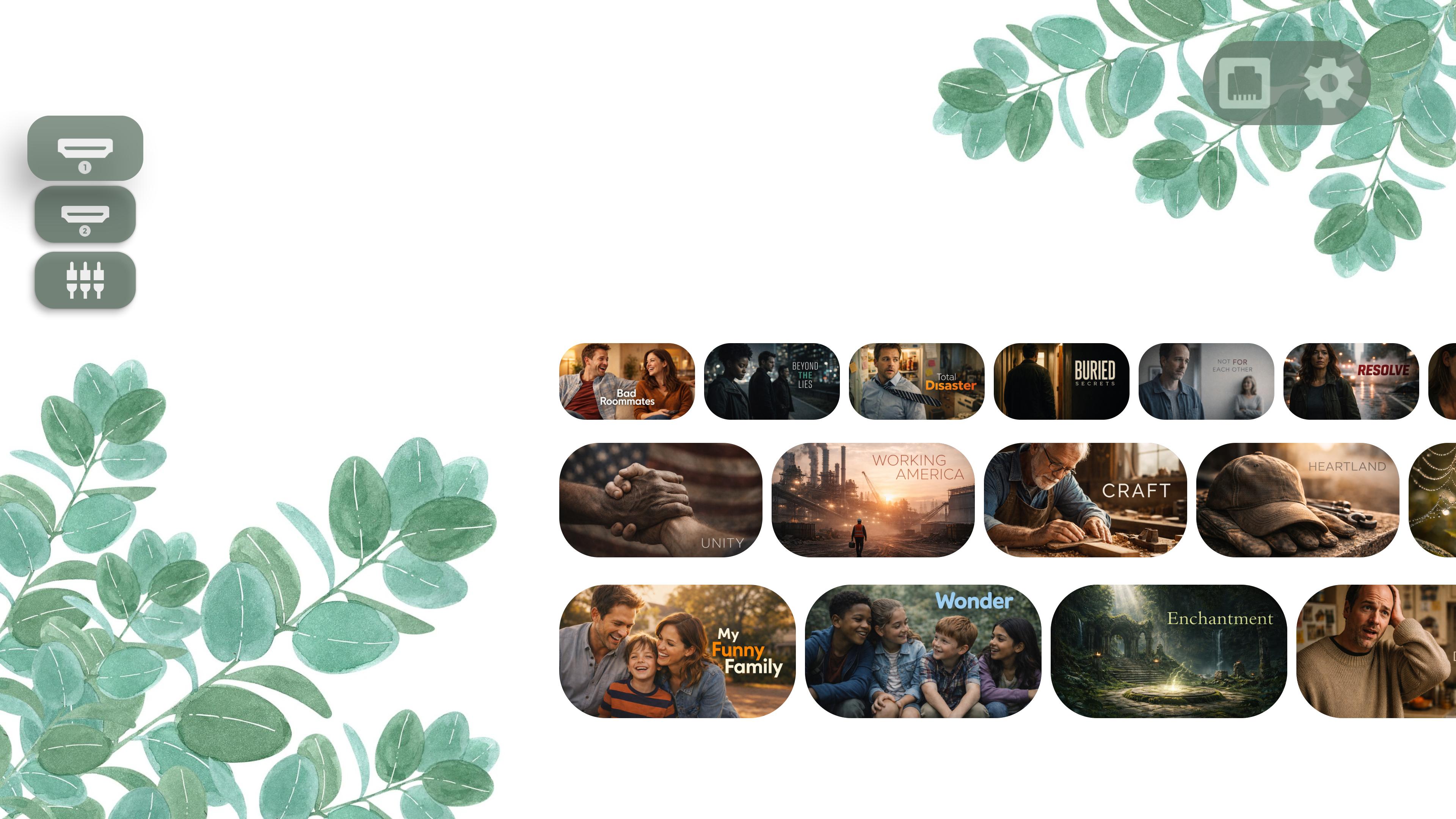
Projectivy Launcher Screenshot

Powerful Features That Make a Difference

Everything you need to create the perfect home screen experience

✨

Clean & Customizable Interface

  • Ad-Free Experience: Say goodbye to unwanted ads
  • Effortless Launcher Override: Replace the default launcher
  • Flexible Layouts: Organize apps with personalized styles
⚑

Performance & Stability

  • Optimized Speed: Fast startup, even on older devices
  • Regular Updates: Continuous improvements
  • Reliable Experience: Bug-free performance
🎨

Dynamic Wallpaper Options

  • Animated Backgrounds: Use GIFs or videos
  • Customization Tools: Adjust brightness, contrast, saturation
  • Adaptive Colors: Interface adapts to your wallpaper
  • Plugin Support: Extend wallpaper sources
🎯

Personalized Icons & Shortcuts

  • Custom Icons: Use your (animated) images or icon packs
  • Easy Shortcuts: Quick access to your apps
  • Mobile Integration: Smooth app integration
πŸ”’

Parental Controls & Accessibility

  • Content Control: Keep your family safe
  • Guest-Friendly Setup: Keep settings safe when hosting (Airbnb, rentals, guests)
  • Family Schedule: Turn controls on for bedtime, homework, or mornings
🎁

Extra Goodies

  • Easy Backups: Auto-save settings
  • Direct Launch: Start favorite app on boot
  • Calibration Patterns: 4K, Dolby Vision test patterns
  • Engineering Menus: Access hidden settings
  • Input Shortcuts: Direct HDMI, AV access

Loved by Thousands

Stop thinking a feature-rich launcher should necessarily be heavy or slow. Projectivy Launcher is built with state-of-the-art technology and performance in mind, there's no overhead for the features you don't use πŸ’ͺ
But don't just take our word for it, see what our users have to say!

β˜…β˜…β˜…β˜…β˜…

"Finally, a launcher that makes my Android TV look amazing! No more annoying ads cluttering my home screen. Worth every penny for the premium features."

β€” Android TV User
β˜…β˜…β˜…β˜…β˜…

"The customization options are incredible. I can finally organize my apps the way I want and use custom icons. The animated wallpapers are a nice touch too!"

β€” Reddit Community Member
β˜…β˜…β˜…β˜…β˜…

"Fast, smooth, and reliable. Works great even on my older Android TV box. The regular updates show the developer really cares about the product."

β€” Google Play Reviewer

Ready to Transform Your TV?

Join 1,000,000+ users who've already made the switch

or join the beta program on Google Play

Frequently Asked Questions

Projectivy Launcher is a customizable home screen replacement for Android TV devices. It turns your TV interface into a sleek, ad-free and personalized entertainment hub, with features like custom wallpapers, icon packs, flexible layouts, and more. It's available in 24 languages thanks to our community!

Yes. Projectivy Launcher is free to download and use, with all core features included. Some advanced features (like custom wallpapers and deeper icon customization) require a low-cost, one-time Premium purchase (no subscription).

Premium unlocks advanced personalization tools and family-friendly options. It's a one-time purchase (no subscription) that applies to all your devices signed in with the same Google account.

  • Custom wallpapers (pictures, animated GIFs, videos, RTSP camerasβ€”and more)
  • Card icon customization (custom images or icon packs)
  • Advanced font customization
  • Parental controls

Premium is usually purchased directly inside Projectivy Launcher using Google Play services. That means you'll need a Google account set up on your device.

If you run into payment issues on your TV, make sure:

  • your Google account is connected
  • your device is up to date and has been rebooted

You can also download Projectivy on your smartphone to complete the purchase there given that the same Google account is used.

No Google Play ? You can also purchase a lifetime Premium license for Projectivy Launcher (working on up to 5 devices).

A Projectivy license purchased outside Google Play is valid for life and can be activated on up to 5 installations at the same time.

An activation is technically linked to a Projectivy installation, rather than permanently to the device itself. This means that clearing Projectivy's app data or performing a factory reset will create a new installation and will not automatically release the previous activation.

You can release an activation in two ways:

  • Before uninstalling, clearing data or resetting your device: open Projectivy Settings β†’ About β†’ Getting Premium β†’ Manage License Key β†’ Deactivate on this device.
  • At any time, including if you no longer have access to the device: visit https://app.lemonsqueezy.com/my-orders/ and manage your Projectivy license from there. A link to this page is also included in the purchase confirmation email you received.

Once an activation has been released, it becomes immediately available for use on another installation. So don't worry if you forgot to deactivate Projectivy before resetting or replacing a device: you won't lose your license or one of your 5 activations permanently.

Projectivy Launcher works on all Android TV devices, including smart TVs, projectors, set-top boxes (like NVIDIA Shield and Chromecast with Google TV), and Android TV boxes. It's optimized to run smoothly even on older hardware.
Some users have also successfully installed it on a spare smartphone or tablet to use as a dedicated TV interface via HDMI output and gamepad/remote control.

Download Projectivy Launcher from the Google Play Store on your Android TV device. Once installed, you can set it as your default launcher in the app settings (Projectivy will guide you through the setup).

Absolutely! Projectivy offers extensive customization: animated wallpapers (GIFs/videos), icon packs, adjustable layouts, and color schemes that adapt to your wallpaper, so you can make your TV feel truly yours.

No personal data is collected or shared. The optional accessibility service is used solely to improve navigation via remote-control shortcuts. You can optionally opt in to anonymous stability and usage data to help improve the app.

There's no background tracking, no "spying", and no rogue use of your internet connection. Your privacy is a priority.

Join the community on Reddit or the XDA-Developers forum. You can also report bugs on GitHub Issues.

Join the Community

Get support, share ideas, and stay updated