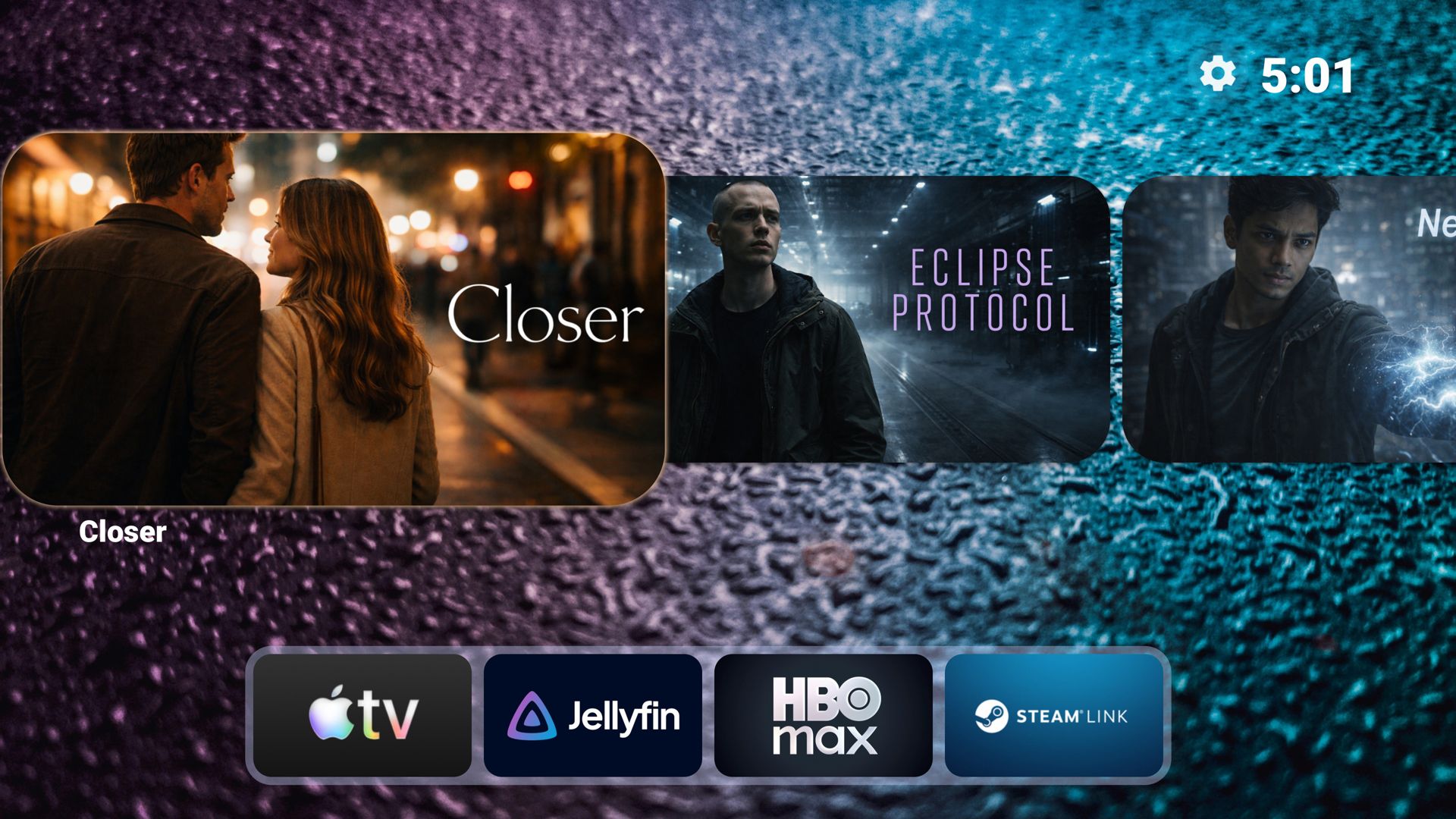
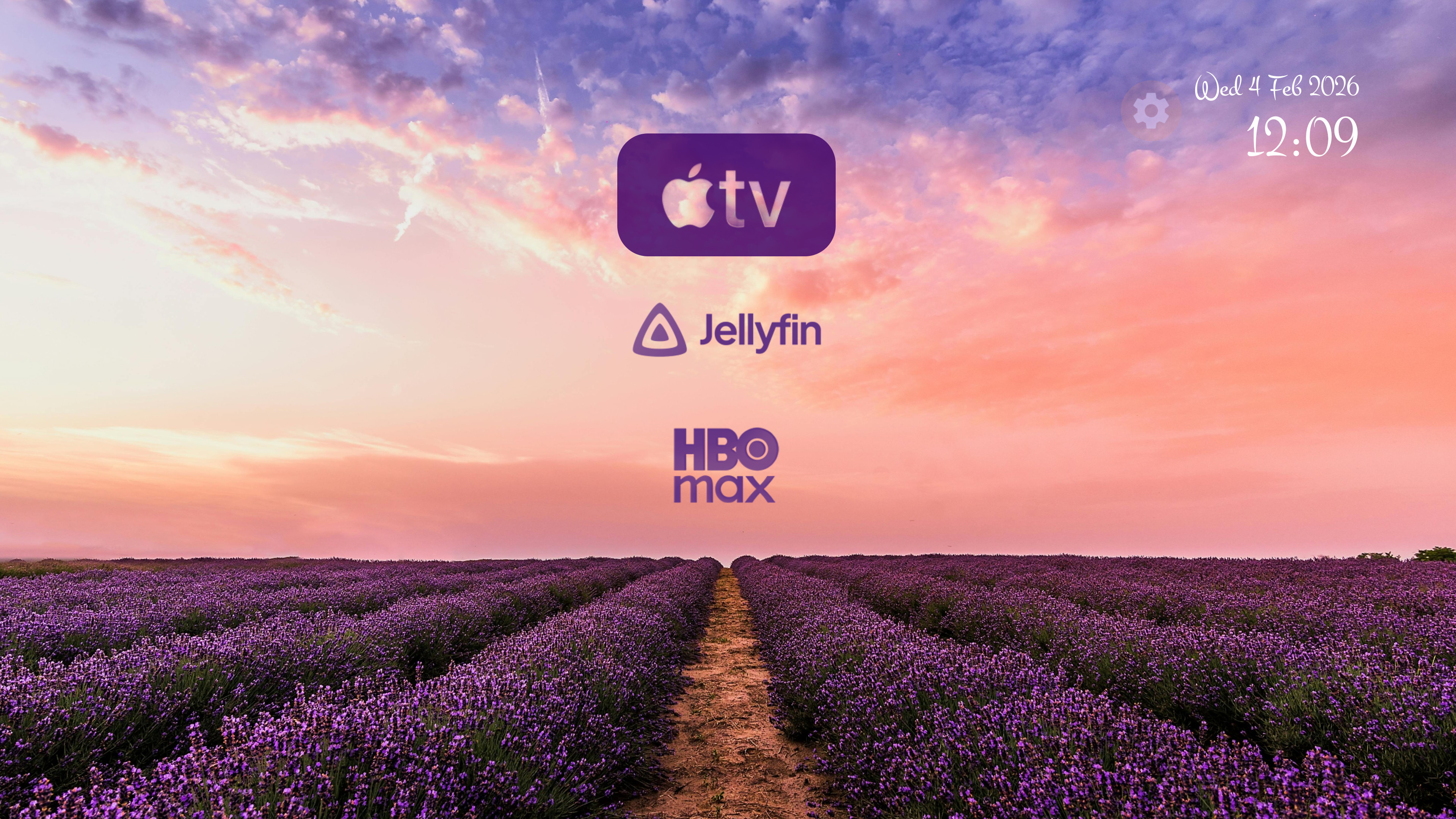
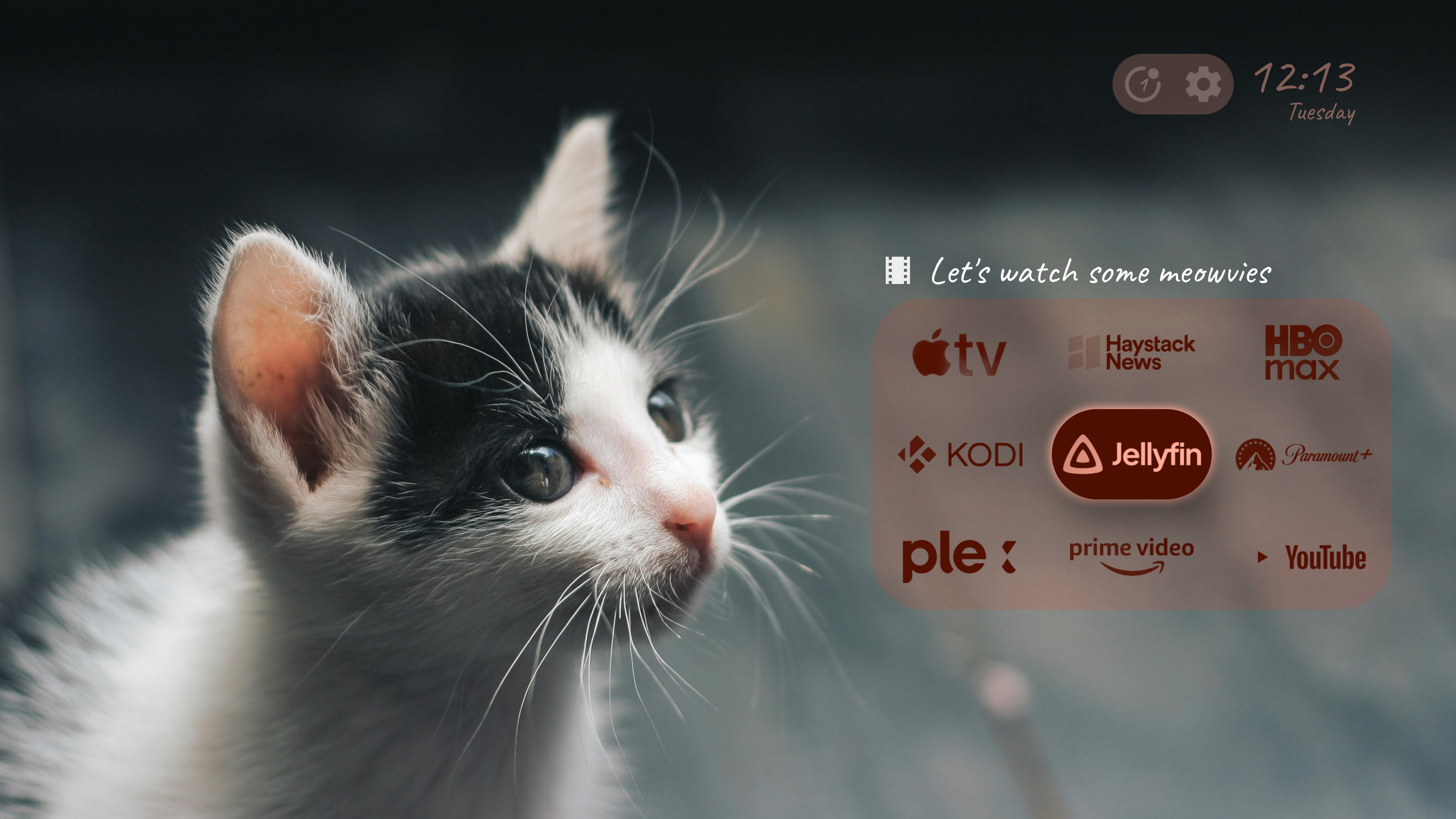
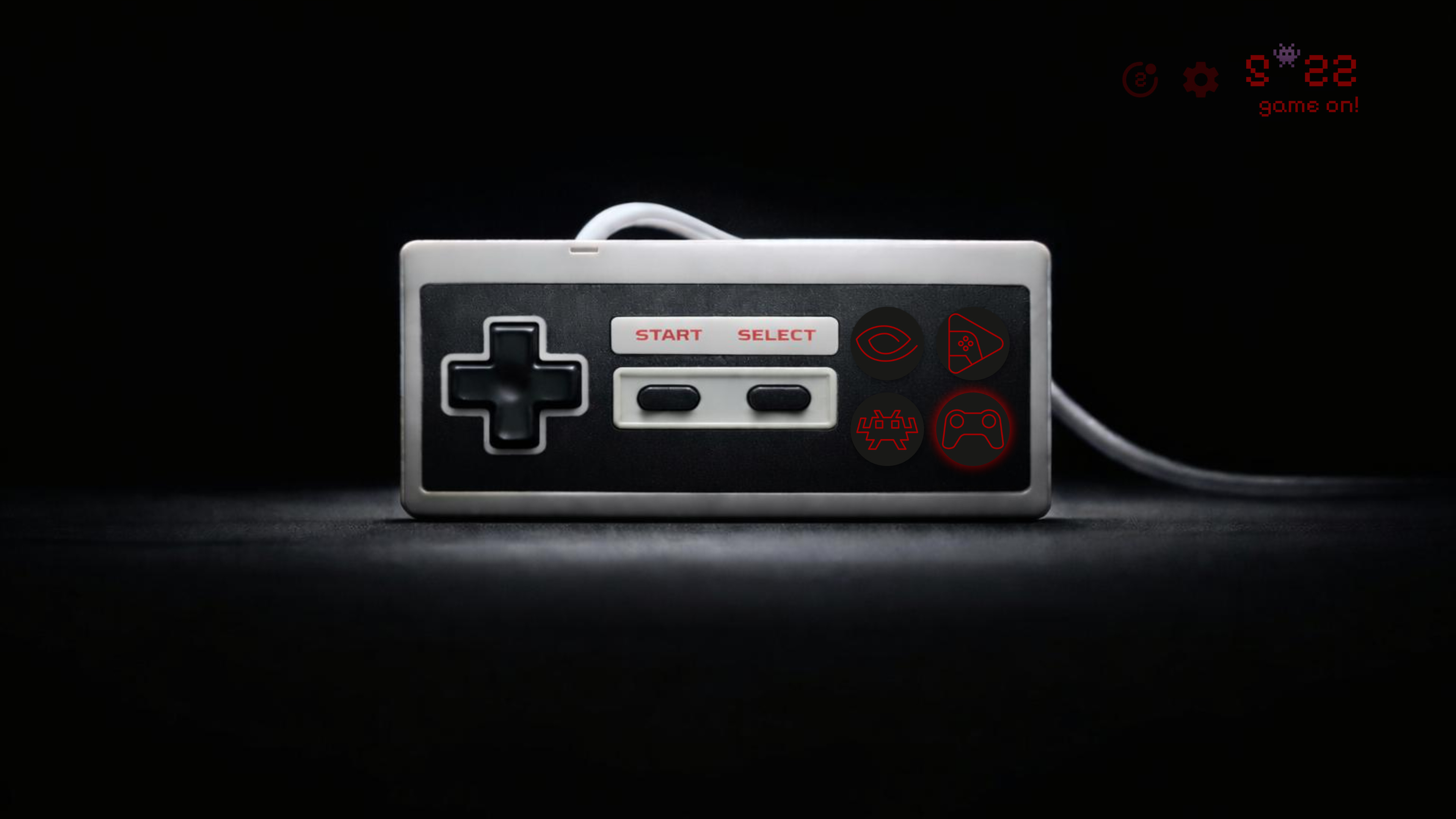
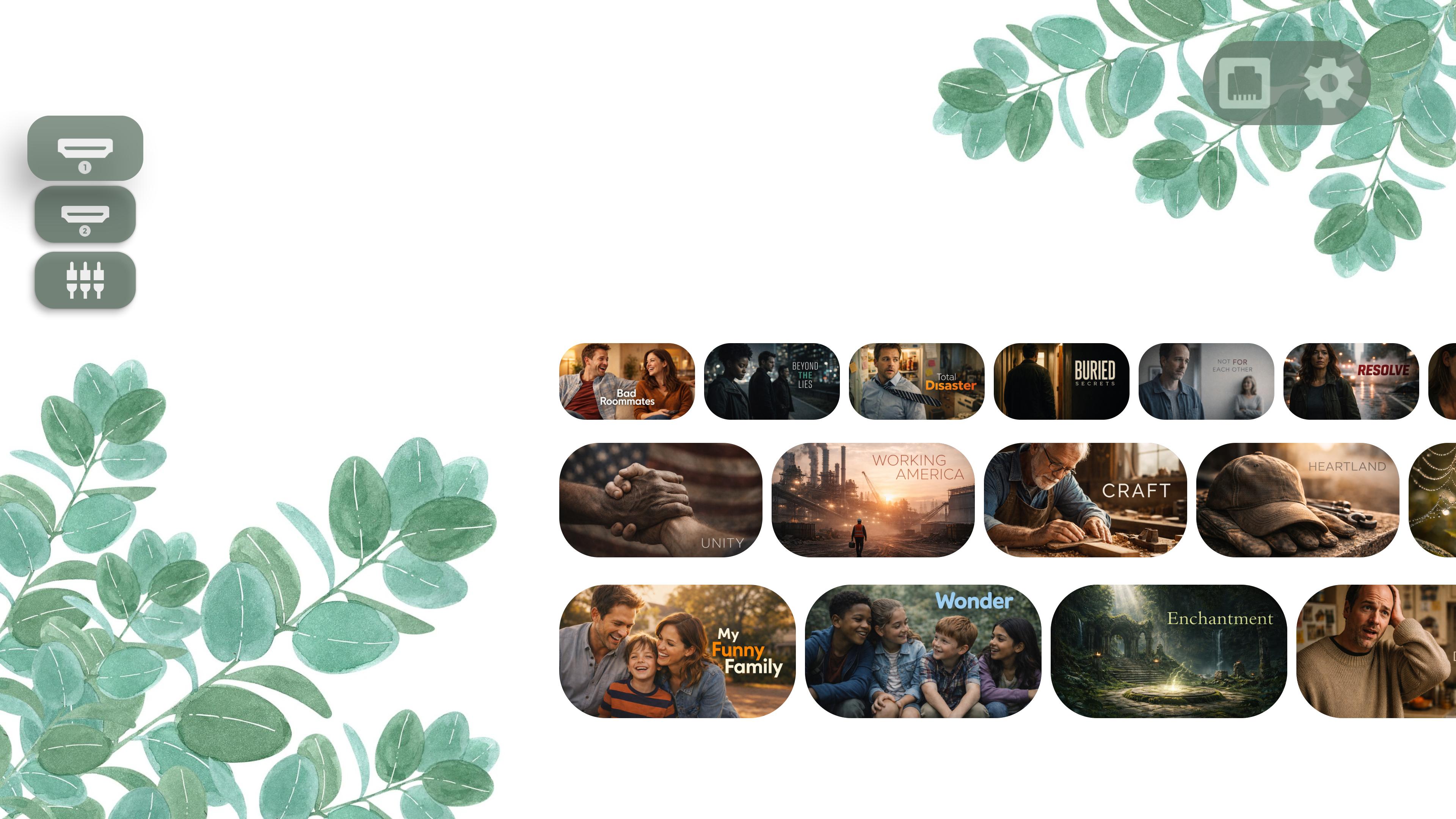
Say goodbye to cluttered screens and intrusive ads. Meet Projectivy Launcher, the ultimate customizable launcher that turns your home screen into a sleek, ad-free entertainment hub.

Everything you need to create the perfect home screen experience
A clean, customizable interface built for TV
Stop thinking a feature-rich launcher should necessarily be heavy or slow.
Projectivy Launcher is built with state-of-the-art technology and performance in mind, there's no
overhead for the features you don't use πͺ
But don't just take our word for it, see what our users have to say!
"Finally, a launcher that makes my Android TV look amazing! No more annoying ads cluttering my home screen. Worth every penny for the premium features."
"The customization options are incredible. I can finally organize my apps the way I want and use custom icons. The animated wallpapers are a nice touch too!"
"Fast, smooth, and reliable. Works great even on my older Android TV box. The regular updates show the developer really cares about the product."
Join 1,000,000+ users who've already made the switch
Projectivy Launcher is a customizable home screen replacement for Android TV devices. It turns your TV interface into a sleek, ad-free and personalized entertainment hub, with features like custom wallpapers, icon packs, flexible layouts, and more. It's available in 24 languages thanks to our community!
Yes. Projectivy Launcher is free to download and use, with all core features included. Some advanced features (like custom wallpapers and deeper icon customization) require a low-cost, one-time Premium purchase (no subscription).
Premium unlocks advanced personalization tools and family-friendly options. It's a one-time purchase (no subscription) that applies to all your devices signed in with the same Google account.
For now, Premium is purchased directly inside Projectivy Launcher using Google Play services. That means you'll need a Google account set up on your device. More payment options will be added in the future for devices without a connected Google account.
If you run into payment issues on your TV, make sure:
You can also download Projectivy on your smartphone to complete the purchase.
Projectivy Launcher works on all Android TV devices, including smart TVs, projectors, set-top
boxes (like NVIDIA Shield and Chromecast with Google TV), and Android TV boxes. It's optimized
to run smoothly even on older hardware.
Some users have also successfully installed it on a spare smartphone or tablet to use as a
dedicated TV interface via HDMI output and gamepad/remote control.
Download Projectivy Launcher from the Google Play Store on your Android TV device. Once installed, you can set it as your default launcher in the app settings (Projectivy will guide you through the setup).
Absolutely! Projectivy offers extensive customization: animated wallpapers (GIFs/videos), icon packs, adjustable layouts, and color schemes that adapt to your wallpaper, so you can make your TV feel truly yours.
No personal data is collected or shared. The optional accessibility service is used solely to improve navigation via remote-control shortcuts. You can optionally opt in to anonymous stability and usage data to help improve the app.
There's no background tracking, no "spying", and no rogue use of your internet connection. Your privacy is a priority.
Join the community on Reddit or the XDA-Developers forum. You can also report bugs on GitHub Issues.
Get support, share ideas, and stay updated